


 ## 介绍
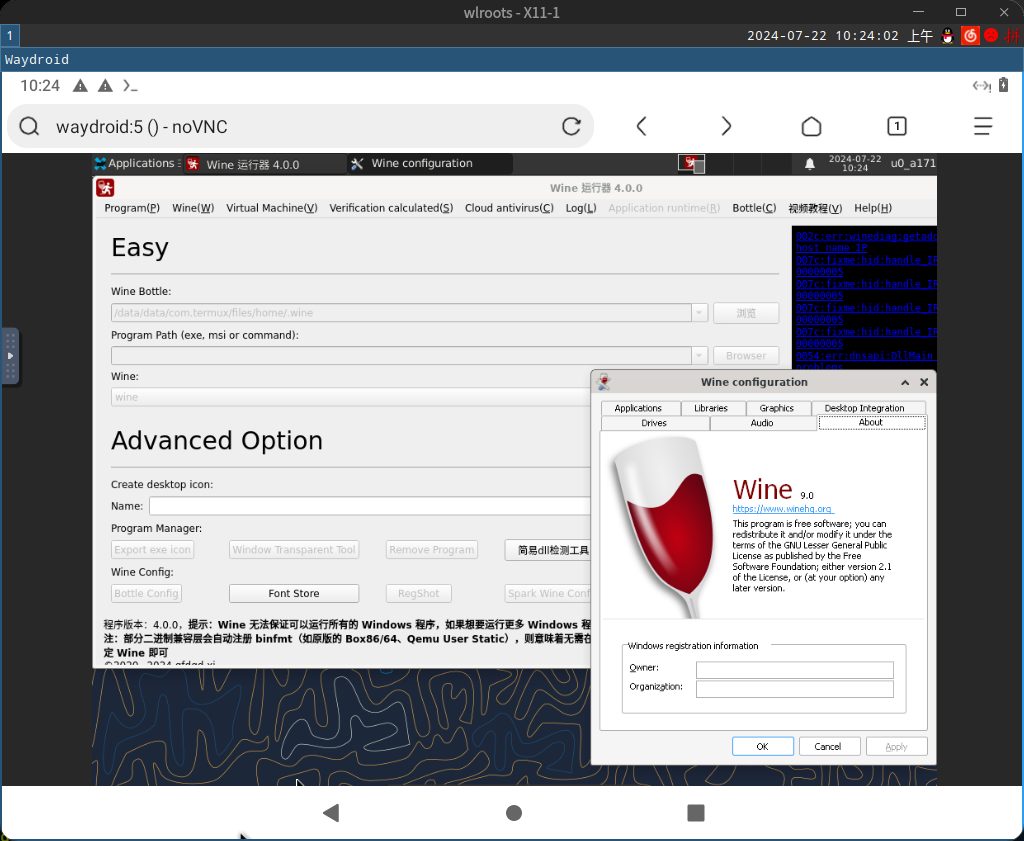
Wine 运行器在 Termux 的移植
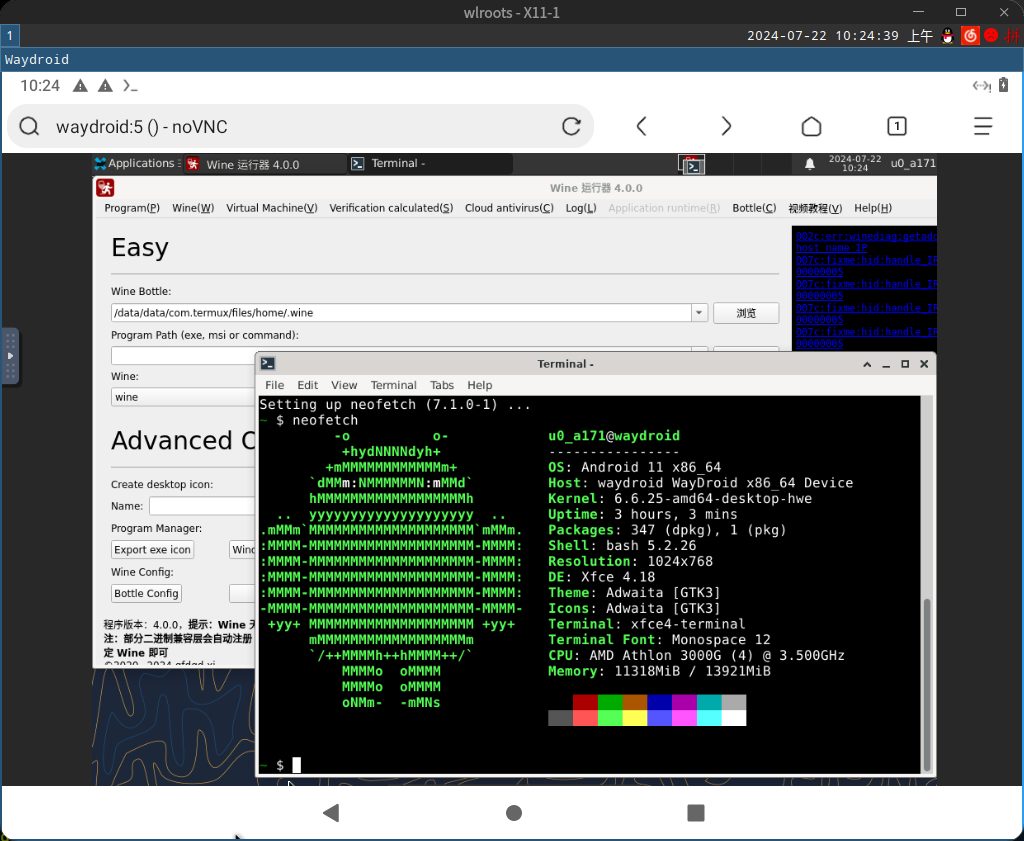
注:因为 termux 不是完整的 Linux 环境,所以体验不会很好,可以使用 proot/chroot 来运行相对完整的 Linux 容器以获得更多的体验
推荐使用下面的命令进行安装,也可以使用 deb 进行安装
## 注
1、如果在没有设置 $DISPLAY 变量的情况下打开 Wine 运行器,将会默认打开 VNC 服务以显示 UI
可以在浏览器输入网址 http://localhost:6080/vnc.html 远程访问或者用 VNC 远程工具输入 localhost:5 远程访问
如果在上面的安装脚本选择允许其它机器访问(deb 安装默认不开启)则同时可以在其它机器浏览器输入 http://本机IP:6080/vnc.html 或者在其它机器的 VNC 远程工具输入 本机IP:5 都可以访问
2、Wine 运行器 For Termux 使用的是独立的安装包,包名是 `spark-deepin-wine-runner-termux`,不能使用包名为 `spark-deepin-wine-runner` 的包
## 安装
```bash
pkg upgrade -y
pkg install wget
wget http://termux.gfdgdxi.top/a.sh
bash a.sh
rm a.sh
# 或者
wget http://termux.gfdgdxi.top/install.sh
bash install.sh
rm install.sh
```
## deb 包下载地址
Sourceforge:https://sourceforge.net/projects/deep-wine-runner/files/
Github:https://github.com/gfdgd-xi/deep-wine-runner/releases
网盘:http://ctfile.gfdgdxi.top/d/31540479-51790577-d0175d?p=2061 (访问密码: 2061)
# ©2020~Now gfdgd xi
## 介绍
Wine 运行器在 Termux 的移植
注:因为 termux 不是完整的 Linux 环境,所以体验不会很好,可以使用 proot/chroot 来运行相对完整的 Linux 容器以获得更多的体验
推荐使用下面的命令进行安装,也可以使用 deb 进行安装


## 注
1、如果在没有设置 $DISPLAY 变量的情况下打开 Wine 运行器,将会默认打开 VNC 服务以显示 UI
可以在浏览器输入网址 http://localhost:6080/vnc.html 远程访问或者用 VNC 远程工具输入 localhost:5 远程访问
如果在上面的安装脚本选择允许其它机器访问(deb 安装默认不开启)则同时可以在其它机器浏览器输入 http://本机IP:6080/vnc.html 或者在其它机器的 VNC 远程工具输入 本机IP:5 都可以访问
2、Wine 运行器 For Termux 使用的是独立的安装包,包名是 `spark-deepin-wine-runner-termux`,不能使用包名为 `spark-deepin-wine-runner` 的包
## 安装
```bash
pkg upgrade -y
pkg install wget
wget http://termux.gfdgdxi.top/a.sh
bash a.sh
rm a.sh
# 或者
wget http://termux.gfdgdxi.top/install.sh
bash install.sh
rm install.sh
```
## deb 包下载地址
Sourceforge:https://sourceforge.net/projects/deep-wine-runner/files/
Github:https://github.com/gfdgd-xi/deep-wine-runner/releases
网盘:http://ctfile.gfdgdxi.top/d/31540479-51790577-d0175d?p=2061 (访问密码: 2061)
# ©2020~Now gfdgd xi