# cnblog
**Repository Path**: ttcoder404/cnblog
## Basic Information
- **Project Name**: cnblog
- **Description**: hexo Themes / GitEE Pages 博客模板 / A template repository for hexo based blog
- **Primary Language**: Unknown
- **License**: MIT
- **Default Branch**: master
- **Homepage**: None
- **GVP Project**: No
## Statistics
- **Stars**: 0
- **Forks**: 0
- **Created**: 2020-06-09
- **Last Updated**: 2020-12-19
## Categories & Tags
**Categories**: Uncategorized
**Tags**: None
## README
# Hexo-theme-obsidian
v1.x | ᴅᴇsɪɢɴᴇᴅ & ᴄᴏᴅᴇᴅ ʙʏ ᴛʀɪᴅɪᴀᴍᴏɴᴅ
> A dark Hexo theme, it's responsive, simple but elegant.



[](https://gitter.im/TriDiamond/hexo-theme-obsidian?utm_source=badge&utm_medium=badge&utm_campaign=pr-badge&utm_content=badge)
**[PREVIEW](http://tridiamond.me)** | **[CHANGES](https://github.com/TriDiamond/hexo-theme-obsidian/blob/master/CHANGELOG.md)**
🇨🇳 **[中文文档](https://github.com/TriDiamond/hexo-theme-obsidian/blob/master/README_CN.md)** |
**[更变日志](https://github.com/TriDiamond/hexo-theme-obsidian/blob/master/CHANGELOG_CN.md)**
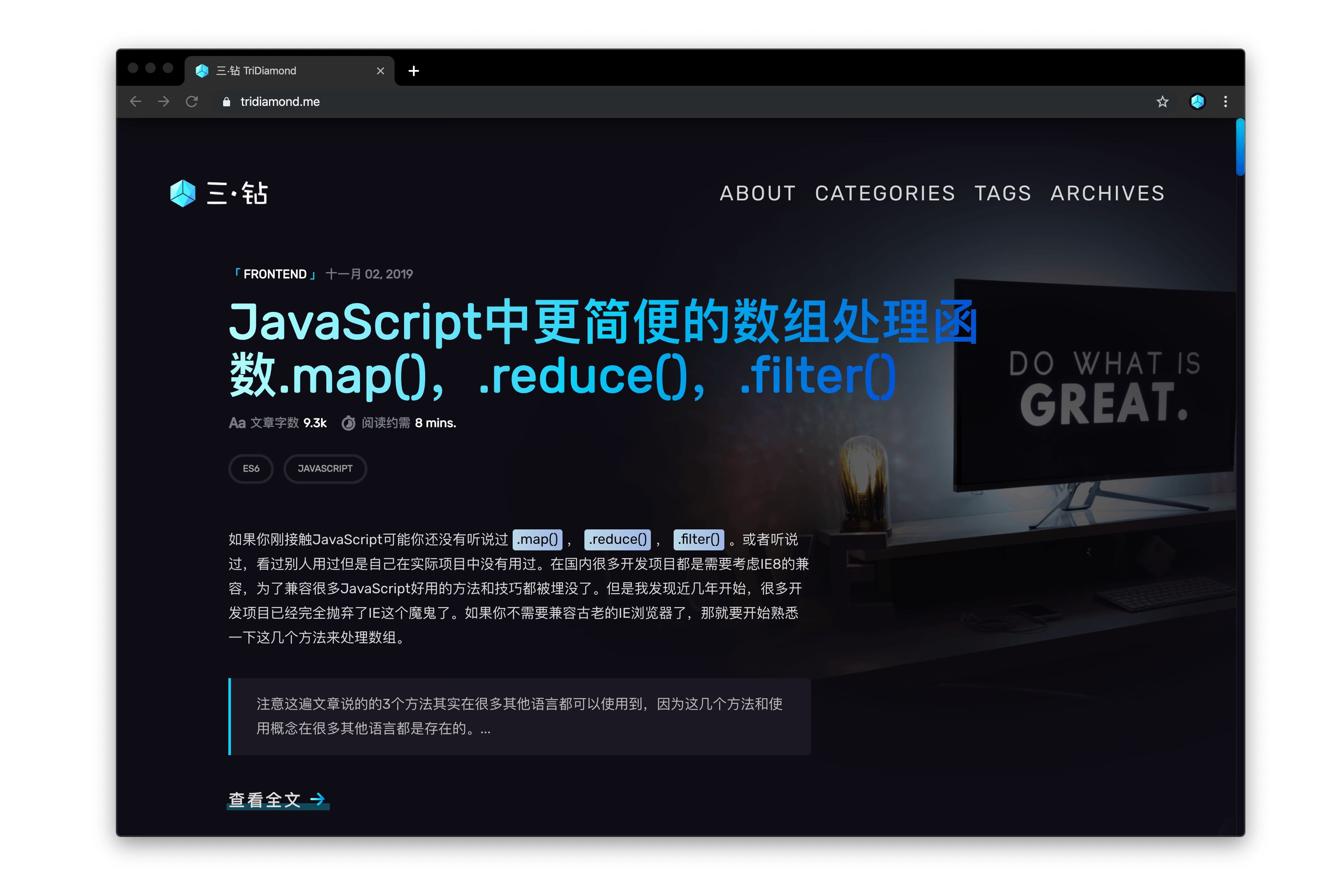
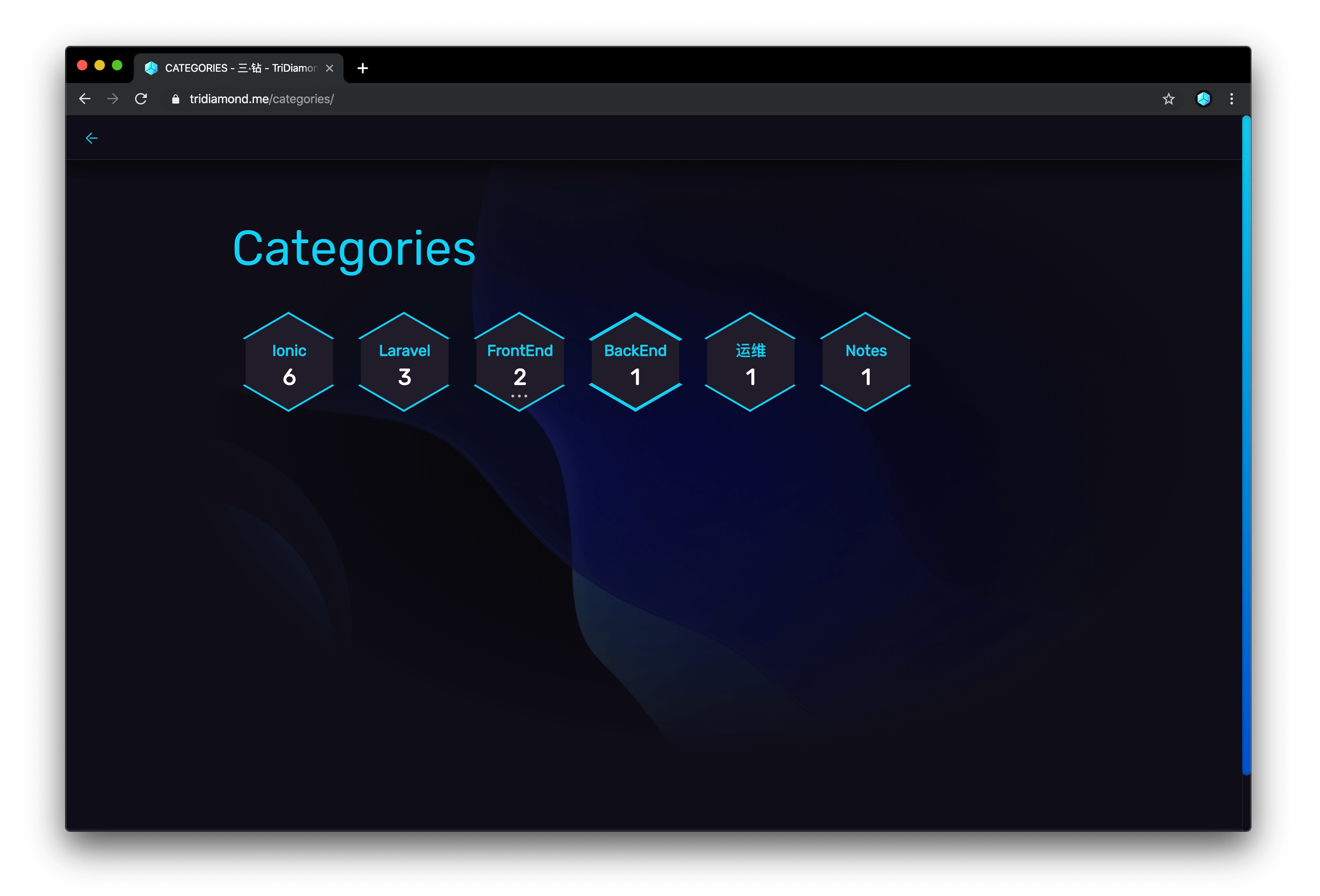
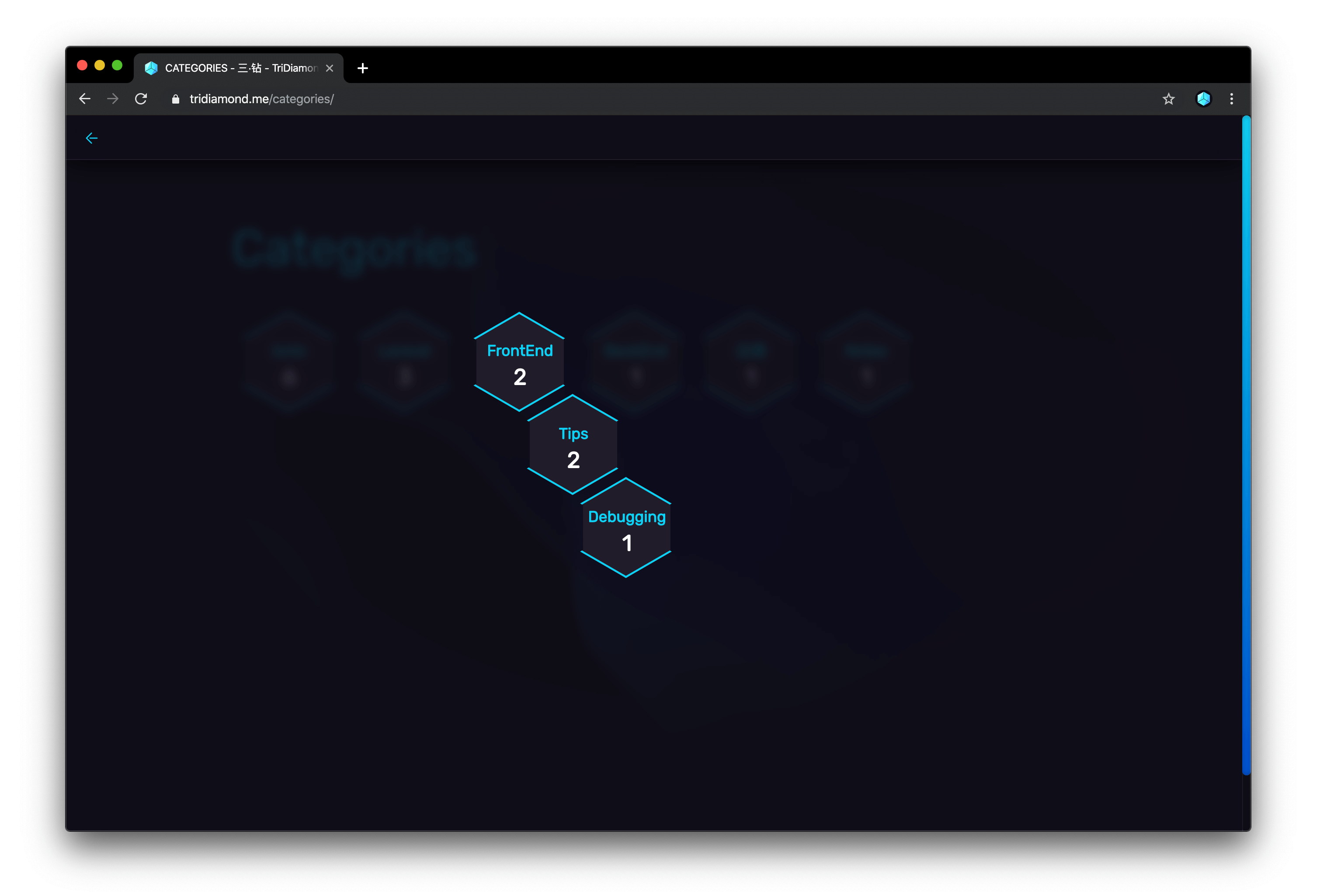
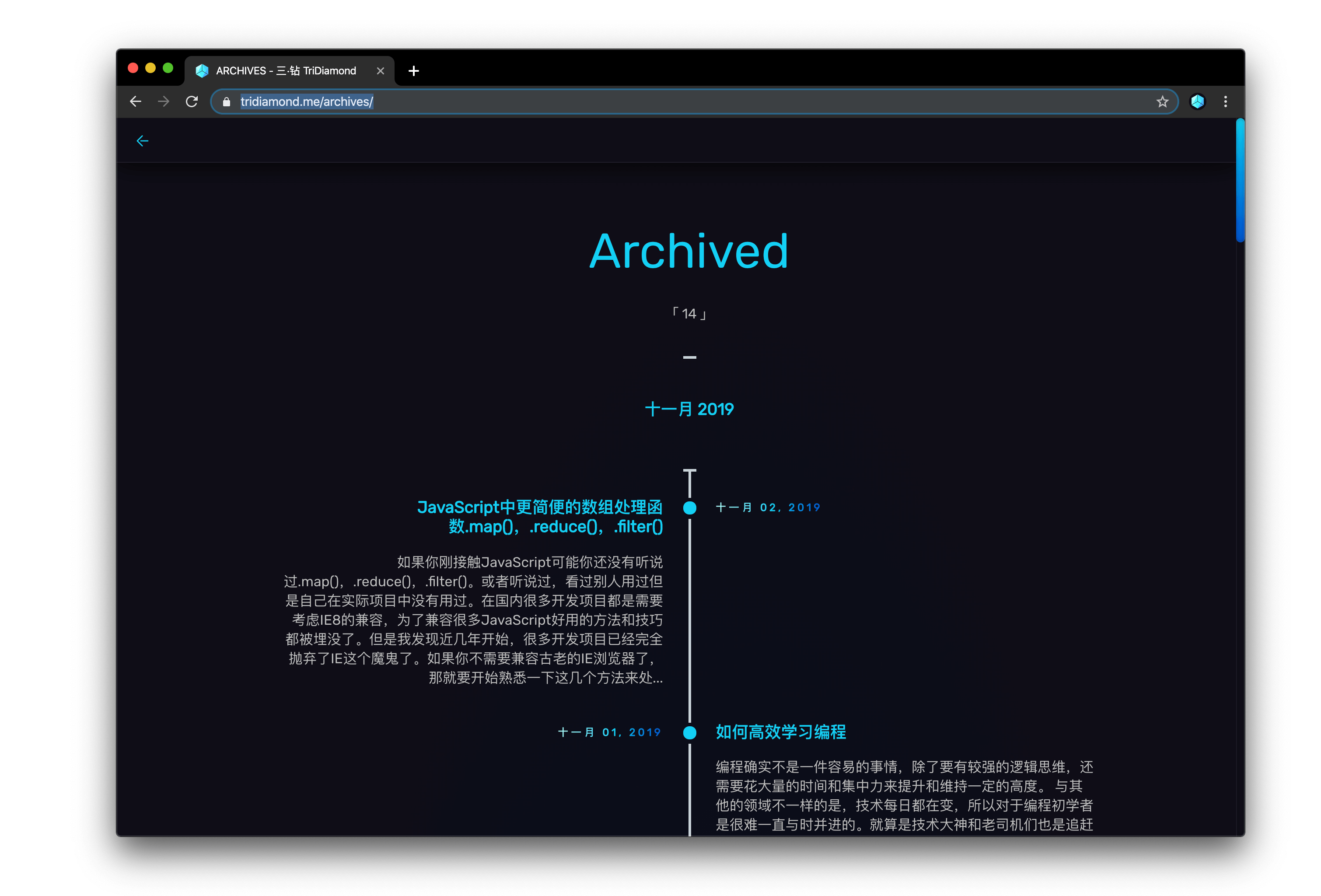
More screen shots
## Categories Page
## Categories Leveled
## Archives
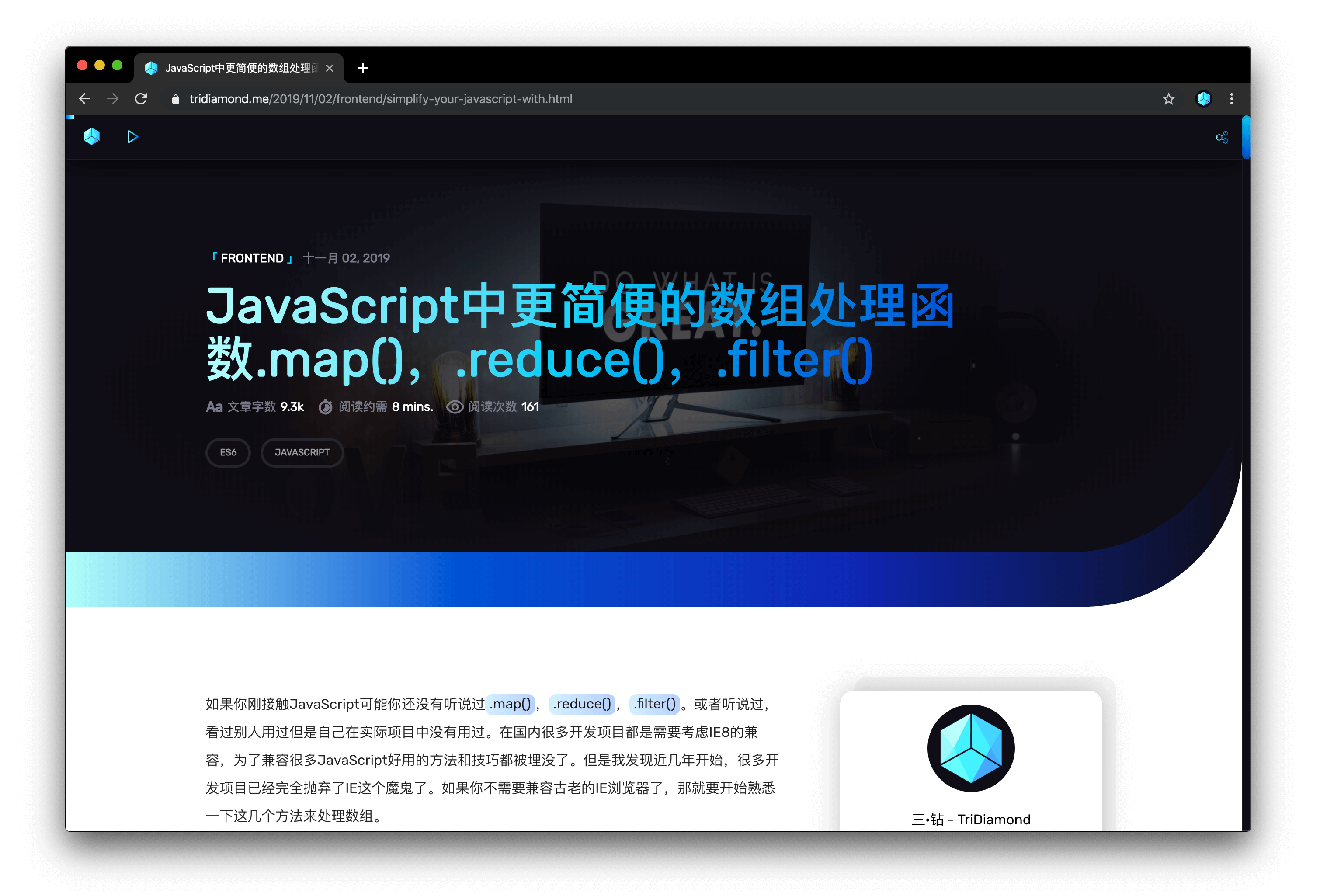
## Articles
## Install
``` bash
git clone https://github.com/TriDiamond/hexo-theme-obsidian.git obsidian
```
## Usage
### Activate Theme
Open `Hexo` config file `_config.yml`, set theme to `obsidian`
``` yaml
...
theme: obsidian
...
```
### Theme settings
Open `/themes/obsidian/_config.yml` can change the theme configs
Full detail config
``` yaml
#! ---------------------------------------------------------------
#! Since version `v1.3.5` code block highlight has changed from `highlight.js` to
#! `codemirror`, but the Hexo default highlight still need to be disabled to take affect.
#! !! So Please make sure you disabled Hexo's default highlight setting !!
#! ---------------------------------------------------------------
#! Rebuild files after you changed the config:
#! `hexo clean && hexo g`
#! ---------------------------------------------------------------
#! highlight:
#! enable: false
#! line_number: true
#! auto_detect: true
#! tab_replace:
#! ---------------------------------------------------------------
# ---------------------------------------------------------------
# Theme default settings
# ---------------------------------------------------------------
# Menu setting | format = title_name: link_url
menu:
PAGE: /page
# Page custom titles
page_titles:
categories: "Categories"
tags: "Tags"
archives: "Archived"
# Enable table of content
TOC: true
# Home page first post default cover image, default use cover
welcome_cover: /img/cover.jpg
# Article default cover image
cover: /img/welcome-cover.jpg
# Avatar
avatar: https://s2.ax1x.com/2019/09/19/nLtSiD.png
# Disable default scrollbar
scrollbar: true
# Website keywords used for SEO
keywords: TriDiamond Obsidian
# Website slogans
descriptionOne: "Think like an artist, develop like an artisan"
descriptionTwo: "艺术家思维去思考问题,工匠创造精神去开发"
# If you use google analytics, please fill in the ID
google_analytics:
# Website favicon
favicon: /img/favicon.png
# rss file
rss: atom.xml
# ---------------------------------------------------------------
# Article Music settings
# ---------------------------------------------------------------
# Auto play article audio
autoplay: false
# default mp3 file
mp3:
- statics/chengdu.mp3
# ---------------------------------------------------------------
# Plugins
# ---------------------------------------------------------------
# Gitalk comment plugin
# see https://github.com/gitalk/gitalk
gitalk:
enable: false
autoExpand: false
clientID: ''
clientSecret: ''
repo: ''
owner: ''
admin: ['']
# Ensure uniqueness and length less than 50
id: location.pathname
# Facebook-like distraction
# Valine comment plugin (recommended!)
# see https://valine.js.org/quickstart.html
valine:
enable: true
app_id:
app_key:
notify: false
verify: false
avatar: 'mp'
placeholder: 'Leave your throughs behind~'
visitor: true
# Enable symbols-count-time plugin
# see https://github.com/theme-next/hexo-symbols-count-time
symbols_count_time:
enable: true
wordCount: true
readCount: true
awl: 4
wpm: 275
suffix: mins.
# Enable html truncate
# see https://github.com/TriDiamond/hexo-html-truncate
html_truncate:
enable: true
# Characters kept for posts
postLength: 250
# Characters kept for cover posts
coverLength: 100
ellipsis: '...'
# Excluding html tags
excludes: ['img']
# Characters count including white spaces
keepWhitespaces: true
# Reserving the last complete word, without breaking the word
reserveLastWord: true
# Enable Busuanzi statistic plugin
# see http://ibruce.info/2015/04/04/busuanzi/
busuanzi:
enable: true
# Enable social media sharing
# see https://github.com/overtrue/share.js/
sharejs:
enable: true
disabled: 'facebook,douban,linkedin,diandian,tencent,google'
# Use codemirror instead of highlight js for better colors
# if you want more language support check the modes list at official website
# modes see: https://codemirror.net/mode/
# see https://codemirror.net/
codemirror:
modes: ['javascript', 'css', 'xml', 'htmlmixed', 'clike', 'php', 'shell', 'python']
# Enabling mathjax support
mathjax: true
```
### Comments
You can choose from using Valine or Gitalk
- If you are using `Valine`, you need to turn off `busuanzi`,because Valine has article view count support.
- If you are using `Gitalk`, you may turn on `busuanzi`, to have article view count enable.
### Code block style
> Since version `v1.3.5` code block highlight has changed from `highlight.js` to
> `codemirror`, Hexo default highlight need to be disabled to take affect.
> !! So Please make sure you disabled Hexo's default highlight setting !!
Hexo configuration file `_config.yml` located at the ROOT path of your blog.
> ⚠️ Please note do not make these changes in the theme's config file,
> changing configs in the theme config file `_config.yml`
> will not work properly.
```yaml
...
highlight:
enable: false
line_number: true
auto_detect: true
tab_replace:
...
```
Codemirror settings
```yaml
# Use codemirror instead of highlight js for better color syntax
# if you want more language support check the modes list at official website
# modes see: https://codemirror.net/mode/
# see https://codemirror.net/
codemirror:
modes: ['javascript', 'css', 'xml', 'htmlmixed', 'clike', 'php', 'shell', 'python']
```
Rebuild files after you changed the config
```bash
hexo clean && hexo g
```
### Preview character length
This post parameter changes how many characters are kept for the preview at home page.
```markdown
title: My awesome title
date: 2019-07-14 18:38:45
categories:
- Category1
- Category2
tags:
- Tag1
- Tag2
mp3: http://domain.com/awesome.mp3
cover: http://domain.com/awesome.jpg
preview: 300
```
### Post template
Post template settings
```markdown
title: My awesome title
date: 2019-07-14 18:38:45
categories:
- Category1
- Category2
tags:
- Tag1
- Tag2
mp3: http://domain.com/awesome.mp3
cover: http://domain.com/awesome.jpg
```
### Create categories page
Run Hexo command to generate categories page
```bash
hexo new page categories
```
Categories template
```yaml
title: categories
date: 2019-07-14 12:39:04
type: "categories"
```
> Theme will auto generate categories contents.
### Create tags page
Run Hexo command to generate tags page
```bash
hexo new page tags
```
Tags page template
```
title: tags
date: 2014-12-22 12:39:04
type: "tags"
```
> Theme will auto generate tags contents.
### MathJax Support
Default enables mathjax support, can change it to `false` to turn it off.
```yaml
# Enabling mathjax support
mathjax: true
```
## Update Theme
> Please backup your `_config.yml` file before update
``` bash
cd themes/osidian
git pull
```
## Using the search engine
### Installation guide
Install by npm
```bash
$ npm install hexo-generator-search --save
```
Adding the plugin config in your root `_config.yml`
```yaml
search:
path: search.xml
field: post
content: true
```
Regenrate files
```bash
hexo clean && hexo g
```
## Related
I have made a [`Typro`](https://typora.io/) theme [`Obsidian`](https://github.com/TriDiamond/typro-theme-obsidian) especially for this blog theme.
## Feedback
> Please check the [ISSUES](https://github.com/TriDiamond/hexo-theme-obsidian/issues) before try to use the following contact methods!
> Maybe the question you have had being asked by others or it's already being answered. Thanks!
You can give me feedback or issue you have through the following methods:
- [Create a issue!](https://github.com/TriDiamond/hexo-theme-obsidian/issues/new)
- Joint QQGroup `909955326`